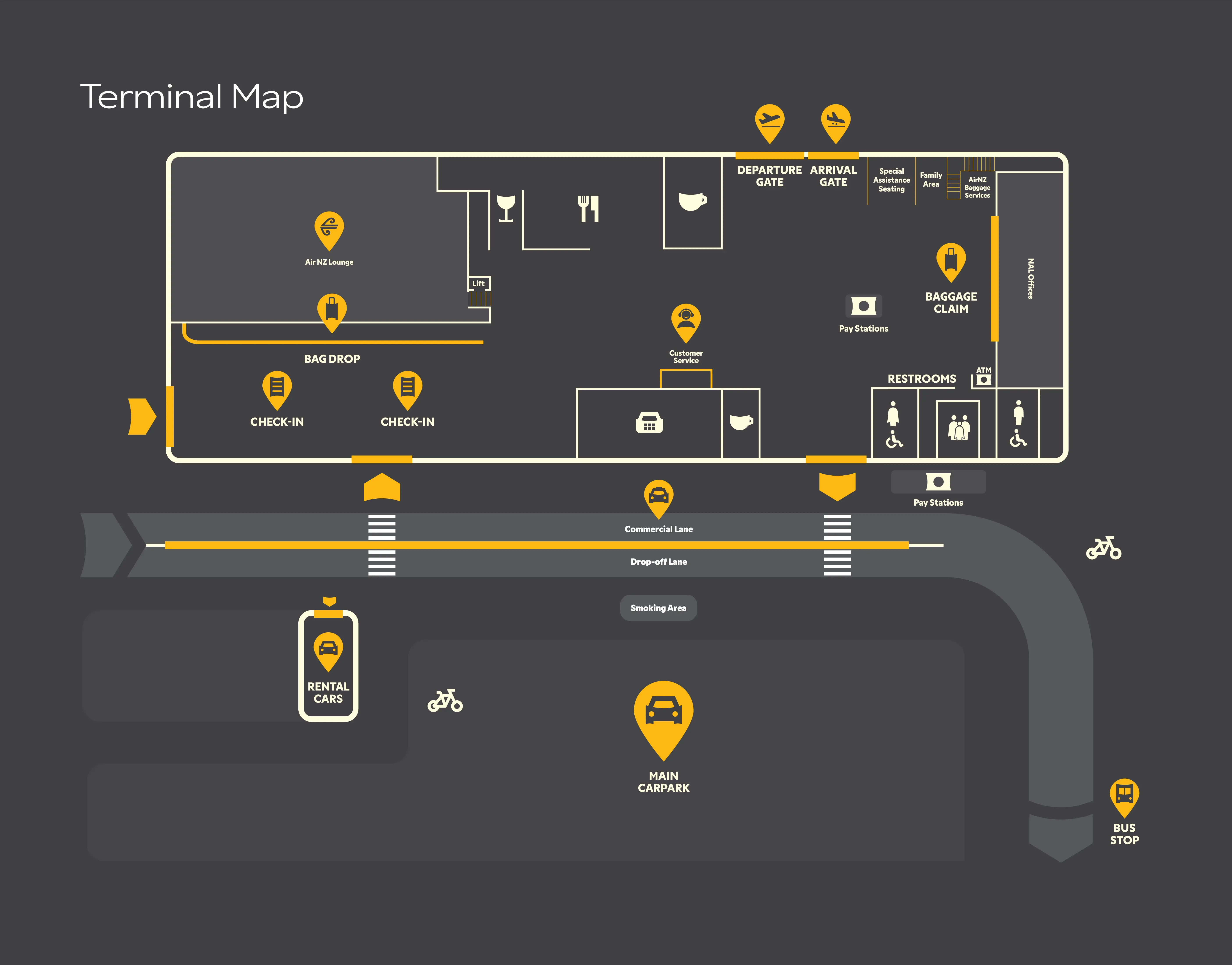
Training Map
Advanced Interactive Dots
Click to add • Drag to move • Export / Import • Local storage
➕ Add
🖱️ Select / Drag
−
+
Reset zoom
Export JSON
Import JSON
Wipe all
Map
Mode: Add dots
Tip:
In
Add
mode click map to place dot.
In
Select
mode click & drag dots to reposition.
Dots:
0
Zoom:
100%
Selected:
None
Dot Properties
Click any dot to edit
Title
Shape
Circle
Square
Triangle
Size (px)
20 px
Dot Color
Label Color
Label (optional short text / symbol)
Training Notes / Instructions
Photo / Link (optional)
Visibility
Public
Staff Only
Trainers Only
JSON Preview (export format)
{}