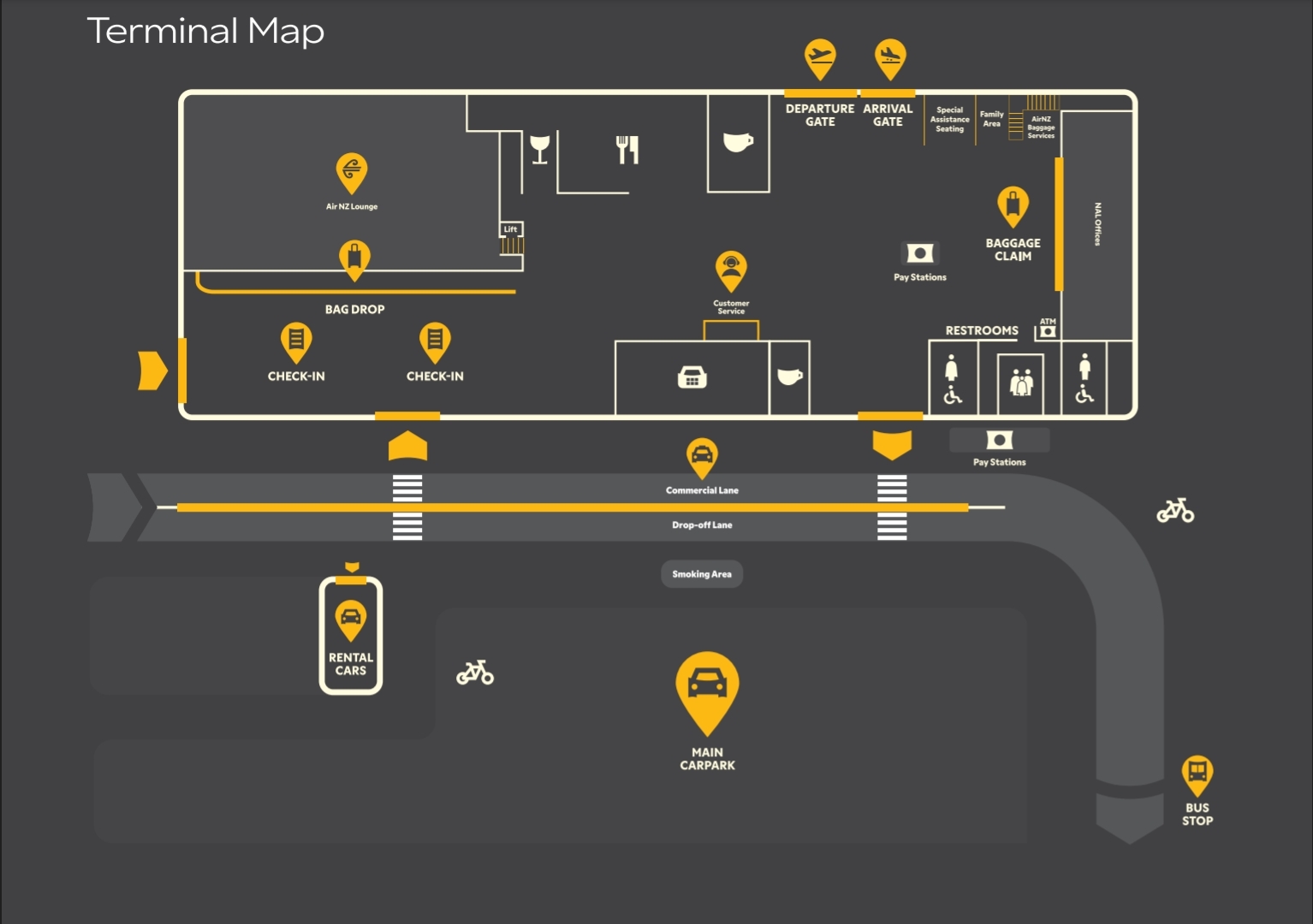
Training Map
Interactive Map Dots
Click to add • Drag to move
➕ Add
🖱️ Select
➖
➕
↩️
⬇️ Export
⬆️ Import
🧨 Wipe
Map
MAP.jpg
Dot Details
Title
Category
General
Safety
Customer
Operations
Security
Facilities
Shape
Circle
Square
Triangle
Dot colour
Yellow
Orange
Red
Green
Teal
Blue
Indigo
Purple
Pink
Label
Label colour
Dark
White
Black
Red
Blue
Green
Purple
Notes
Link
Visibility
Public
StaffOnly
Trainers
💾 Save
🧬 Duplicate
🗑️ Delete
JSON Preview
{ }
Training Map
Interactive Map Dots (click to add, drag to move)
Stored locally in your browser • Export/Import for sharing
➕ Add dots
🖱️ Select/drag
➖ Zoom
➕ Zoom
↩️ Reset
⬇️ Export
⬆️ Import
🧨 Wipe all
Map
Mode: Add dots
Tip:
Click a dot to edit it. In
Add
mode, click anywhere on the map to drop a new dot. In
Select
mode, drag a dot to move it.
Dots:
0
Zoom:
100%
Selected:
None
Dot Details
Click a dot to edit
Title
Category
General
Safety
Customer
Operations
Security
Facilities
Dot colour
Gold
Red
Label (optional)
Training notes
Photo/Link (optional)
Visibility
Public
StaffOnly
Trainers
Export/Import JSON (preview)
{ }